
Client stats and audience challenges
Your dashboard gives you a snapshot of how your AI is doing - client numbers, engagement stats and the top challenges coming up in conversations. If you're still in the training phase, it also shows a readiness score to help you gauge when your AI is ready to launch.
Access the dashboard by the 'home' screen menu item, and use it to keep tabs on your AI and spot themes worth acting on in your content, services or training.
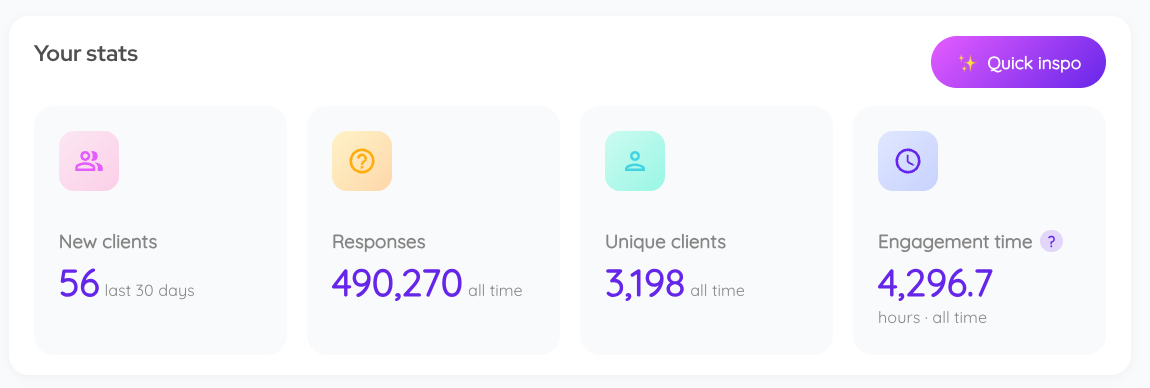
Your stats
Your dashboard displays several important numbers that enable you to see how many people have discovered your AI and the volume of unique users and interactions.
- New clients (in the last 30 days)
- Total responses (all time)
- Total unique clients (all time)
- Engagement time (all time)
- Likes (all time) - how many times clients have liked your AI’s responses
- Saves (all time) - how many times clients have saved your AI’s responses to their highlights
The figures are updated continually in almost real-time.
Note: Any client can like your AI’s responses. To save responses to their highlights, clients need a password-protected account and chat history enabled in your AI settings.
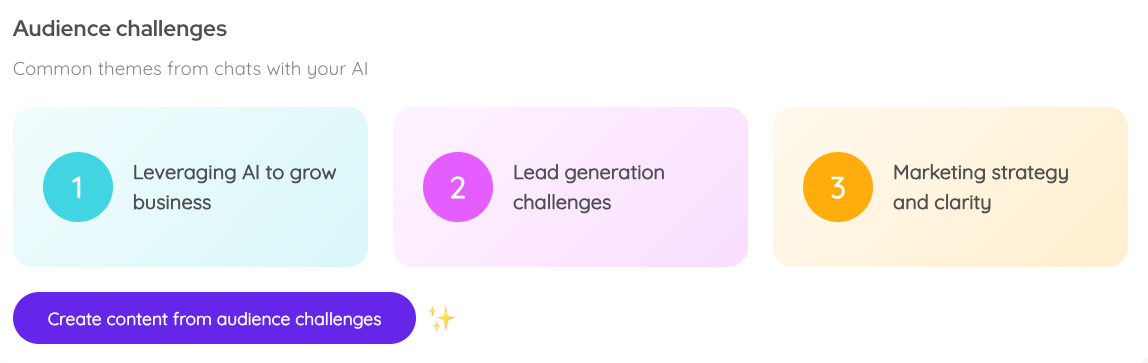
Audience challenges
Every week, the system analyses your AI's conversations and identifies the top three challenges your audience faces. This valuable information enables you to identify themes and use these to:
- Shape your coaching or consulting services
- Create targeted content for your audience
- Develop new products or programmes
- Focus your AI's training on key areas
- Update your marketing messages
Your audience challenges update every 7 days and are based on the last 30 days of chats and up to 50 past conversations.
Top tip: If you have connected your Coachvox account to Claude using our connector, you can ask Claude to look across your client conversations for recurring themes and questions. For example: "What are the most common challenges my clients raised with my Coachvox AI in the last [x weeks]?"
Creating content from challenges
Once your audience challenges have populated, you can create content based on them.
- Click the purple 'Create content from audience challenges' button.
- This will take you to the short-form content generator tool.
Use these short-form posts as tweets, Instagram captions, LinkedIn comments, or inspiration for a longer LinkedIn post.
Readiness score
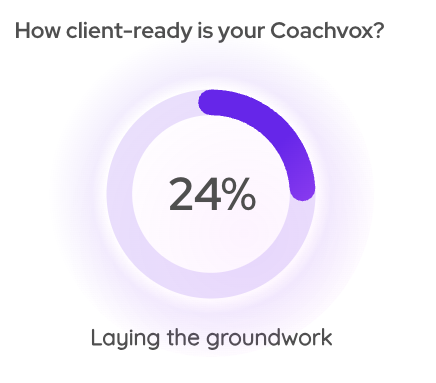
You'll see a percentage score indicating how prepared your AI is for client interactions.
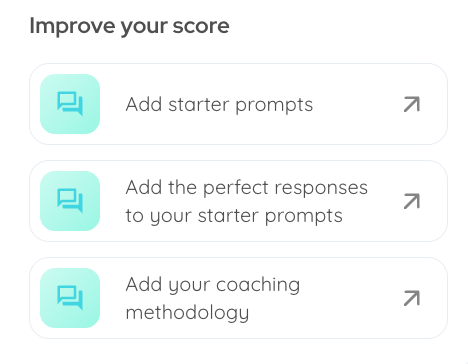
You'll also see suggested steps to improve your score.
Top tip: The score doesn't need to be 100% for you to launch your AI, and the ideal figure will depend on your use case. We recommend aiming for at least 75%, but you’ll be the best judge of when it feels client-ready!
Making the most of your stats
- Share your AI widely - More conversations mean more data, better insights and increased opportunities for leads.
- Check regularly - See your AI improve, monitor the growth in user numbers, spot trends in usage patterns and review your weekly audience challenges.
- Take action on insights - Use your learnings to address common challenges in your content, update your AI's training, adjust your business offerings and fine-tune your marketing approach.
The more your AI chats with your audience, the richer these insights become!